Creating a Shipment
- When credits are used
- When you create a new Shipment.
- How many
- 1 credit per Shipment.
Shiplete · Your shipping workspace
All your shipments, one clear picture. See what needs attention, find the documents you need, stay on top of payments and keep shipment progress in view — without jumping between emails, spreadsheets and disconnected tools.
Less chasing. More control.
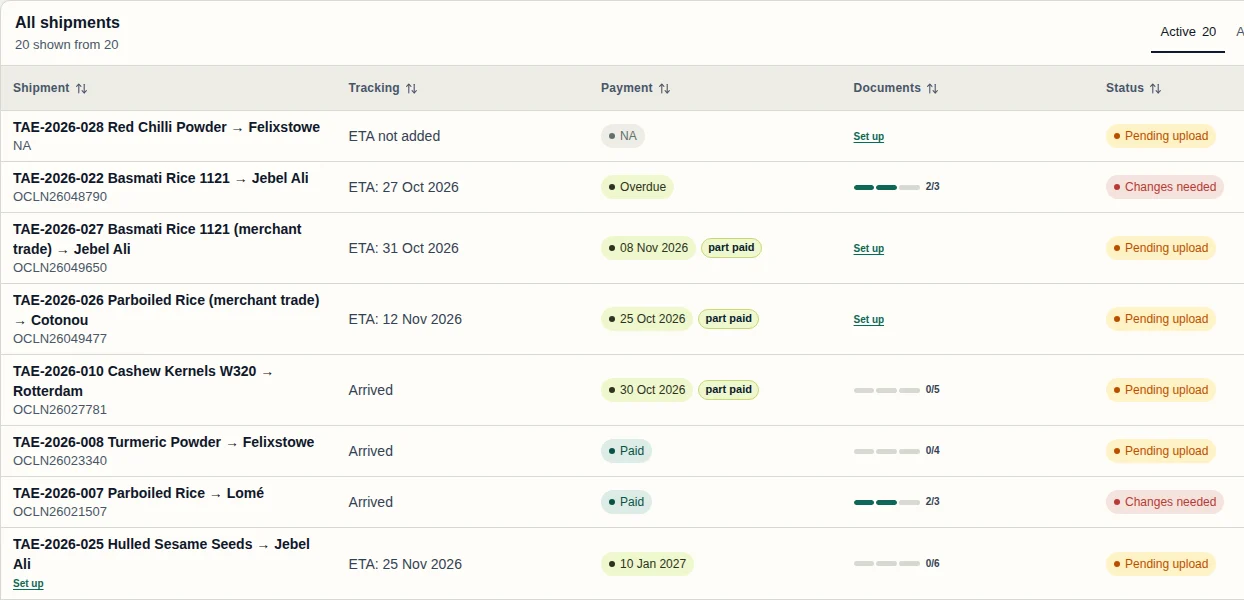
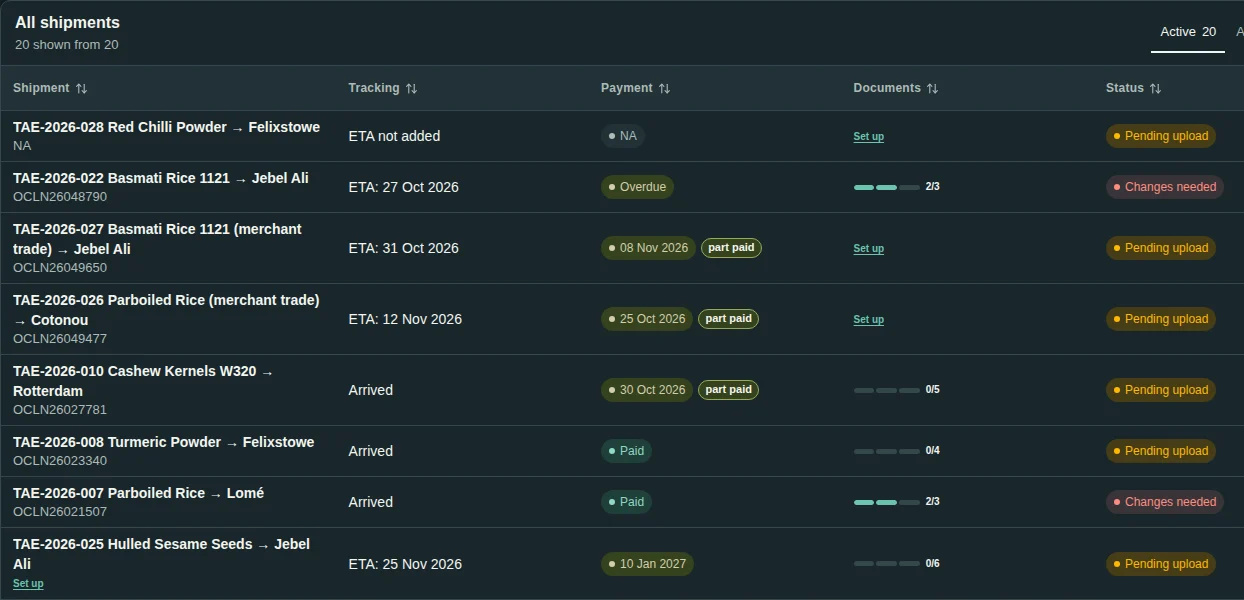
Shipment Hub
Manage every shipment from one place. Progress, payments and documents sit side by side, so you can spot what needs attention at a glance and go straight to the shipment that needs you.
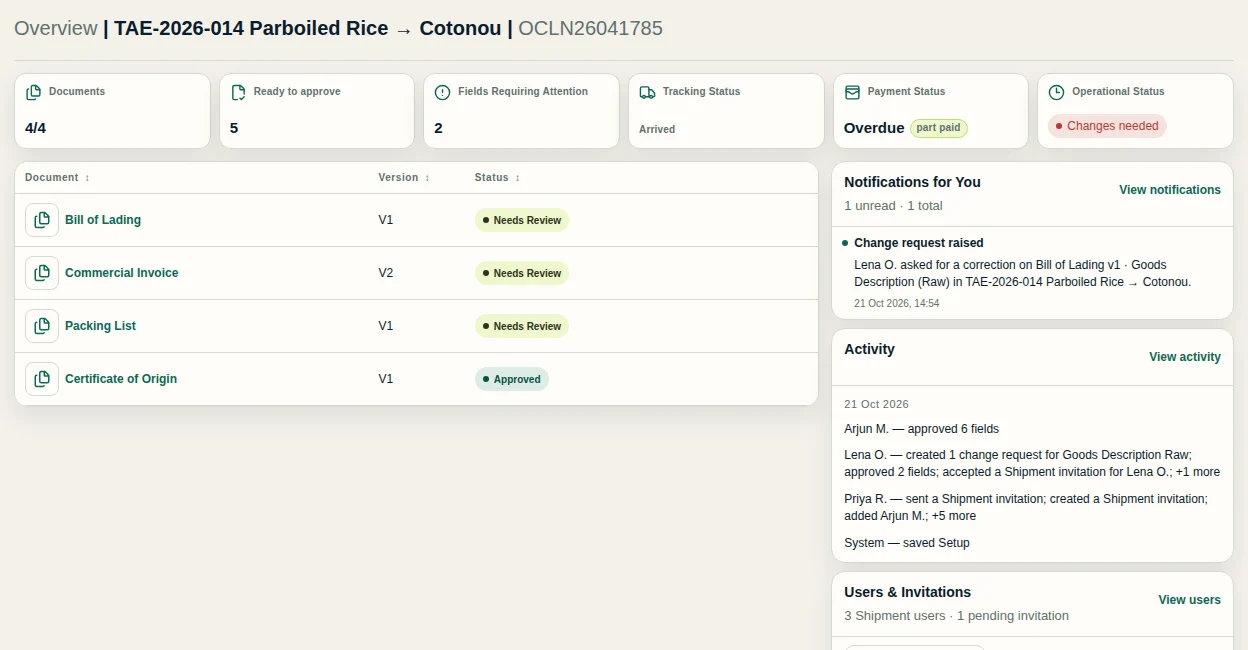
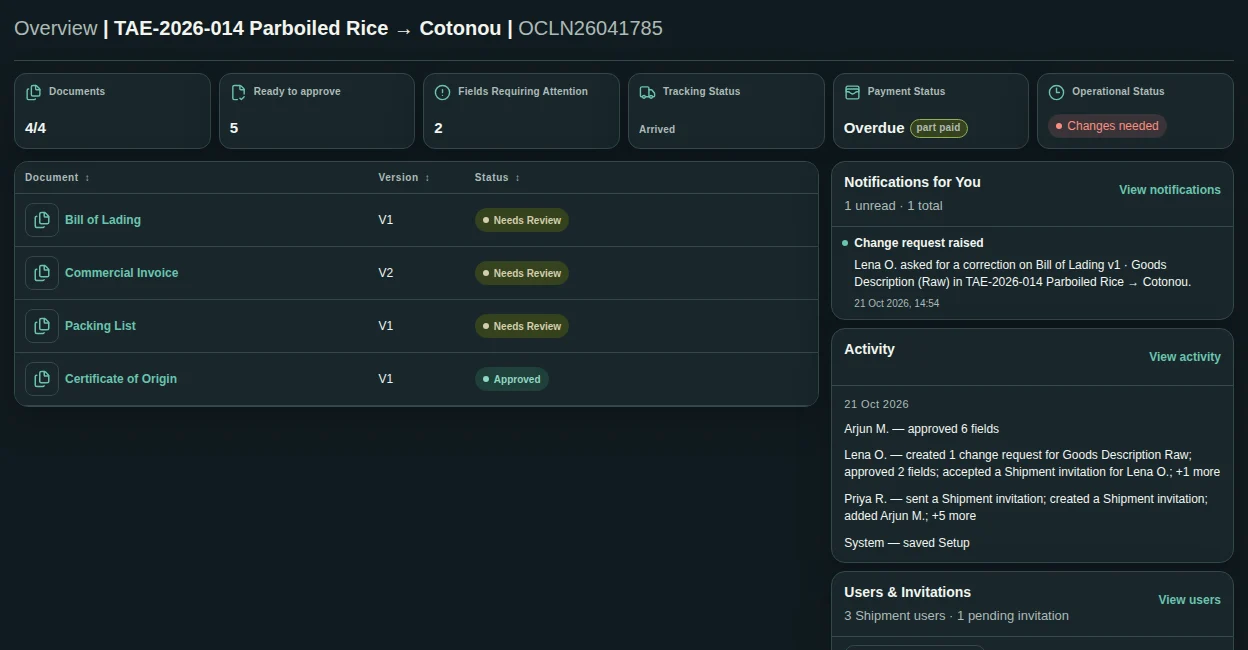
Shipment Overview
Open a shipment to see its documents, payments, progress and people together, with a clear history of who did what and what changed. No more hunting through ten different places.
Documents
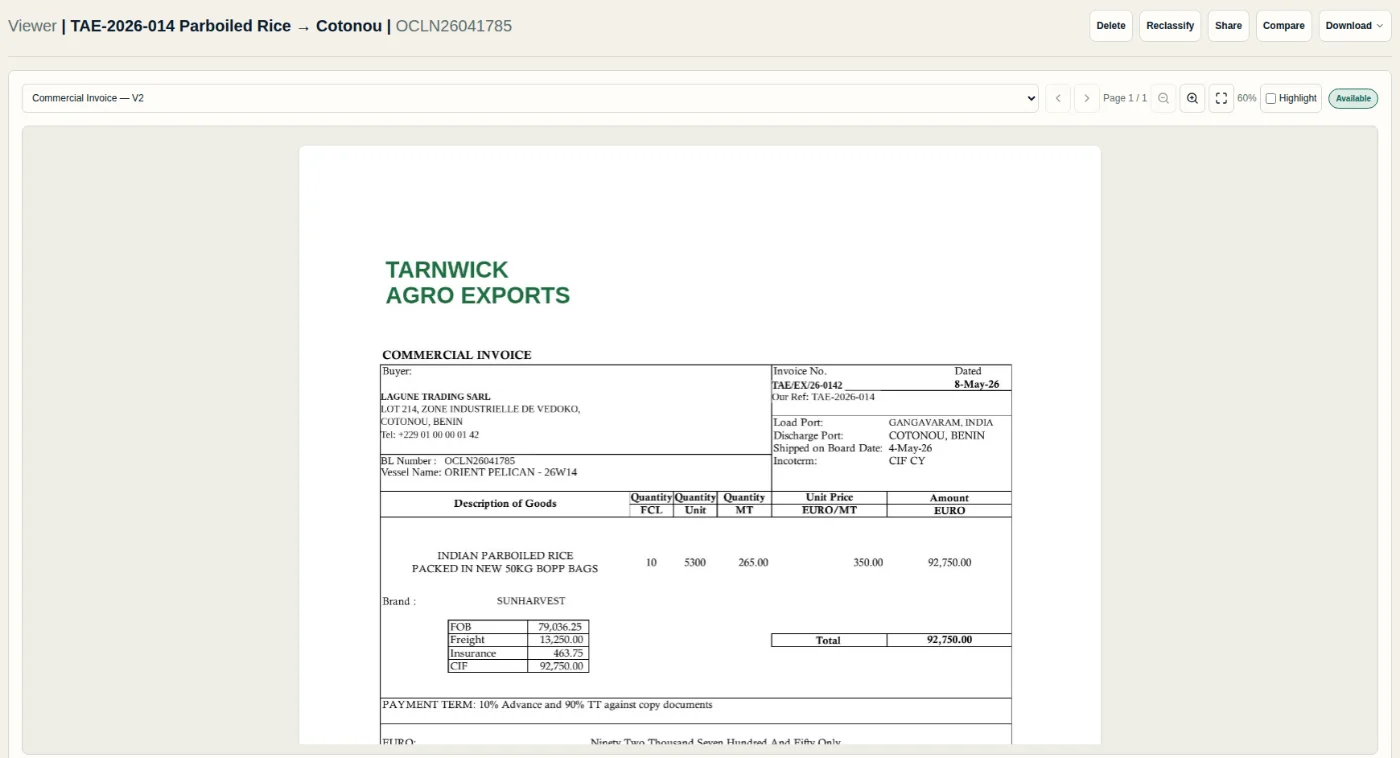
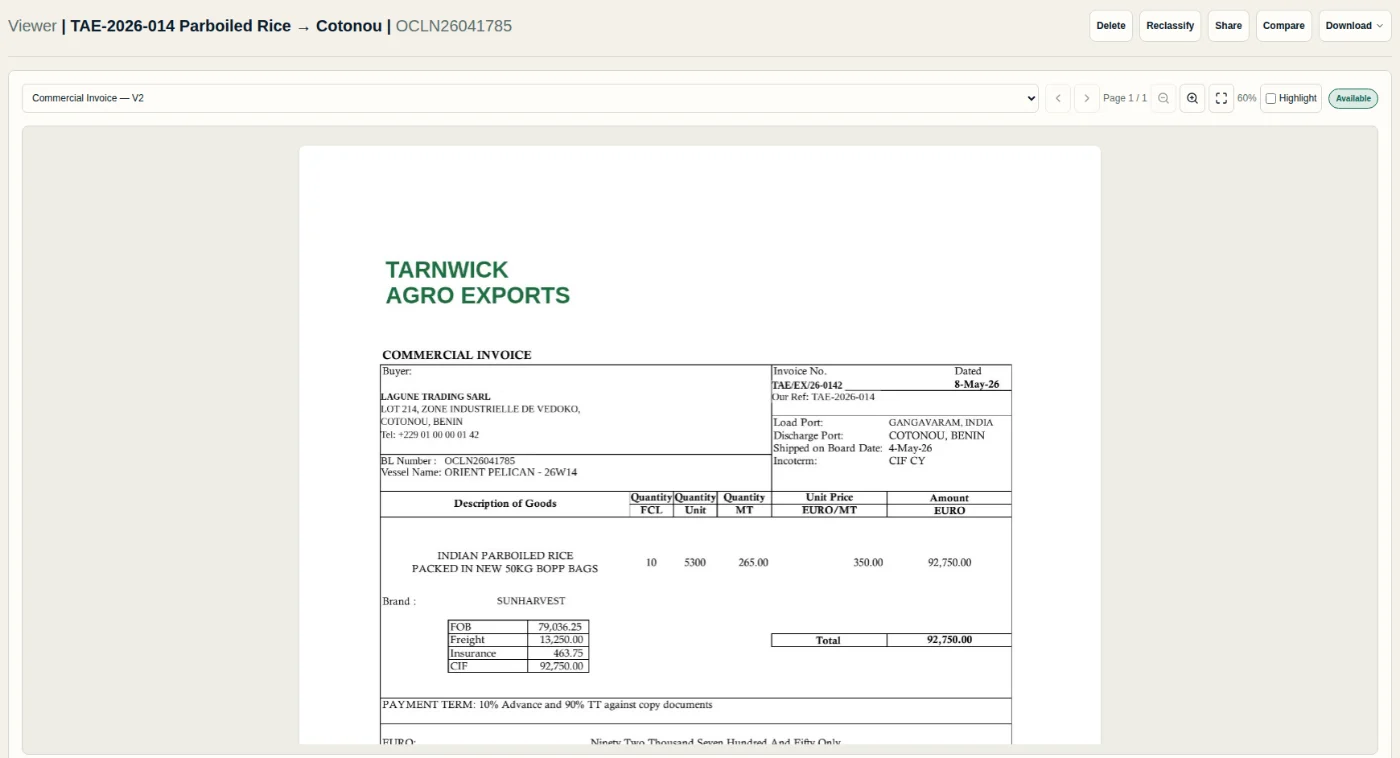
Keep every shipment's documents together. Open and review them in context, look back at an earlier version, and download what you need, when you need it.
Payments Dashboard
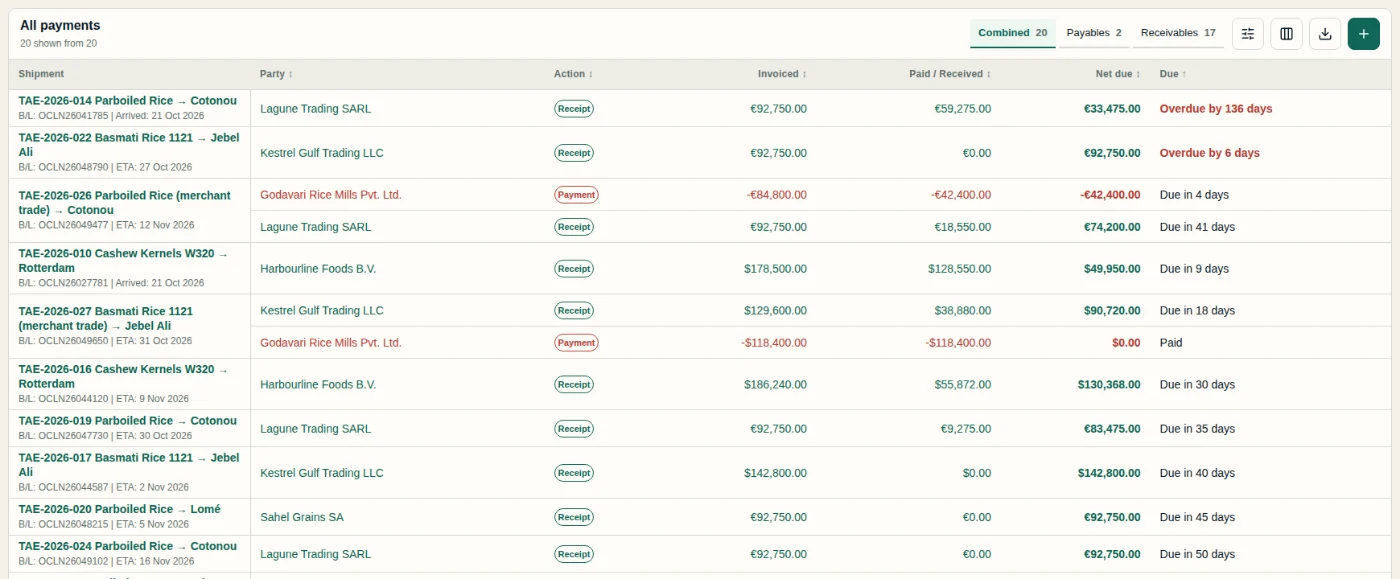
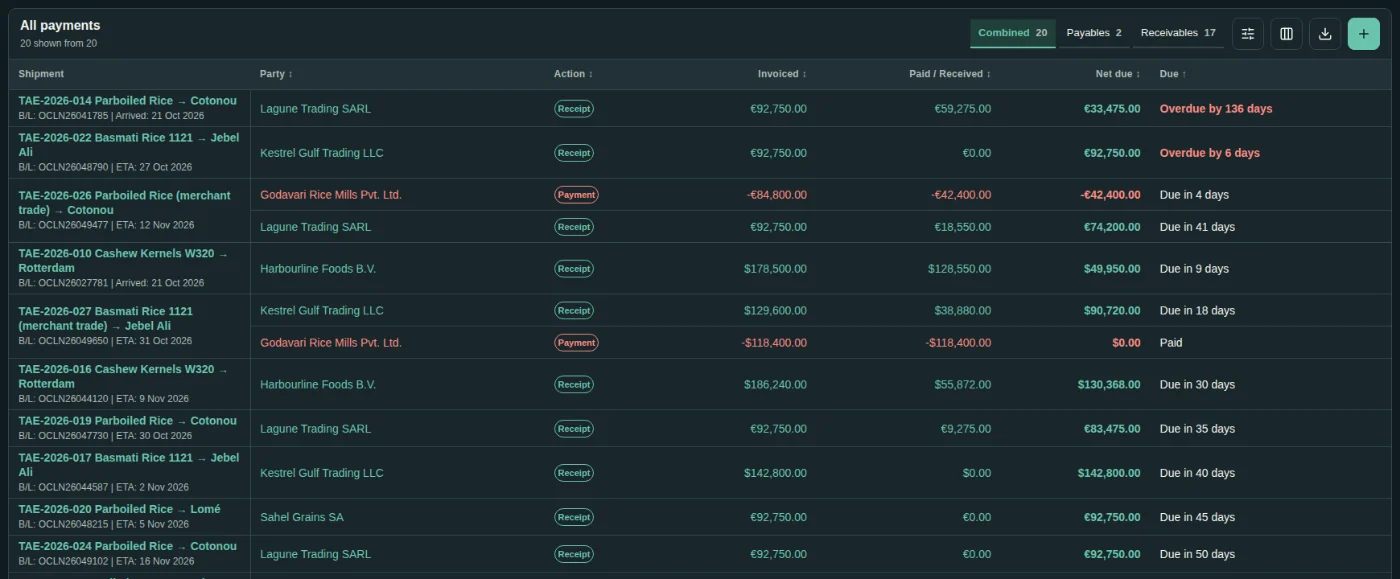
One financial picture across all your shipments: what's been invoiced, received and paid, and what's still outstanding — receivables and payables side by side.
Document preparation
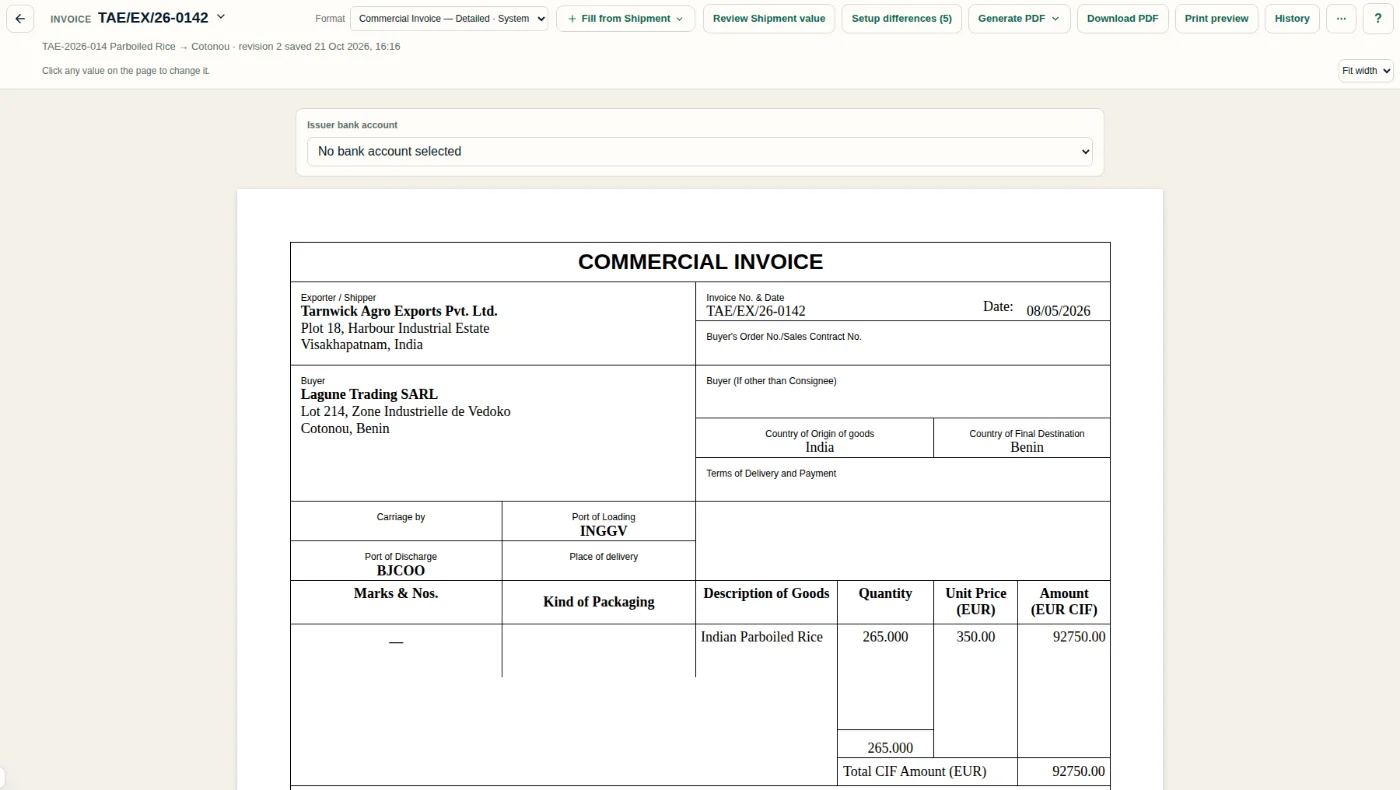
Create contracts, invoices and other supported commercial documents from the details your shipment already holds, with reusable details and templates.
AI-powered review
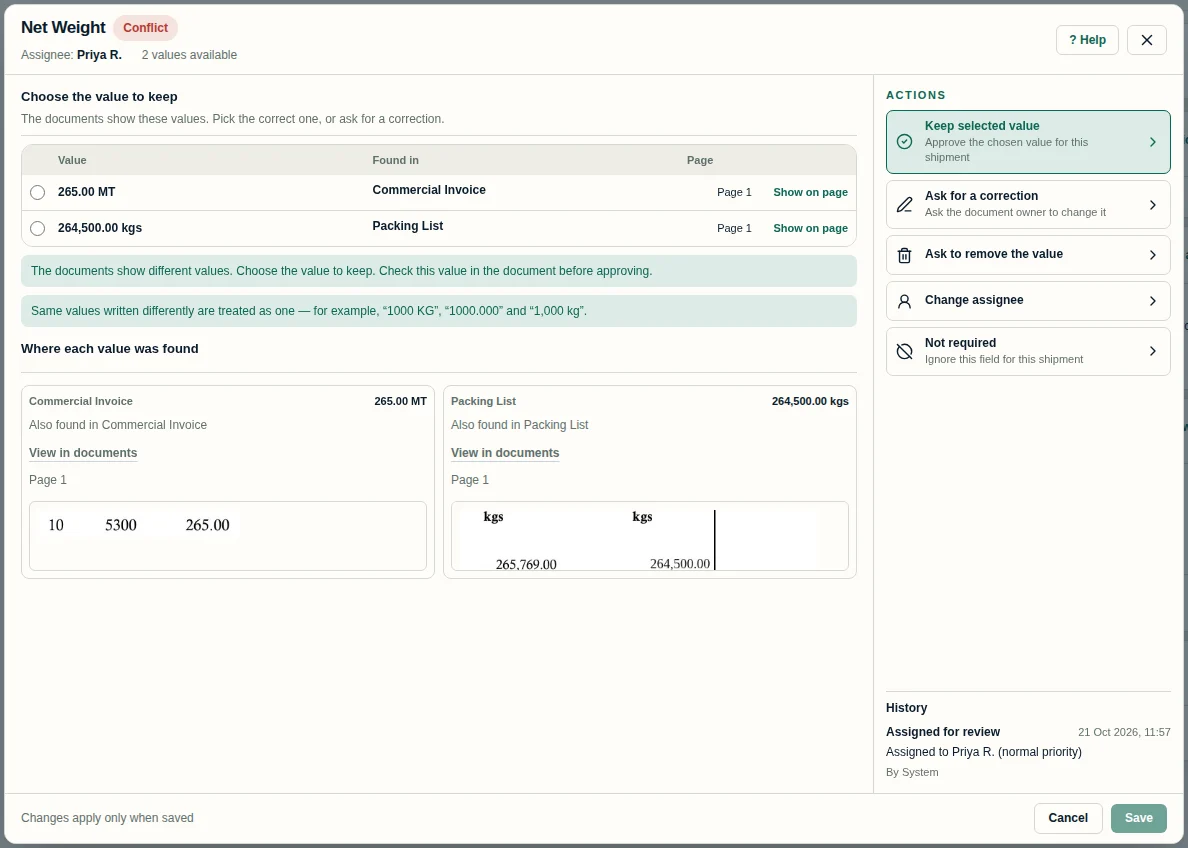
AI document processing brings the key details of your shipping documents into view, so differences between them stand out early. Your team stays in charge: review each one, decide what's right and ask for a correction when needed.
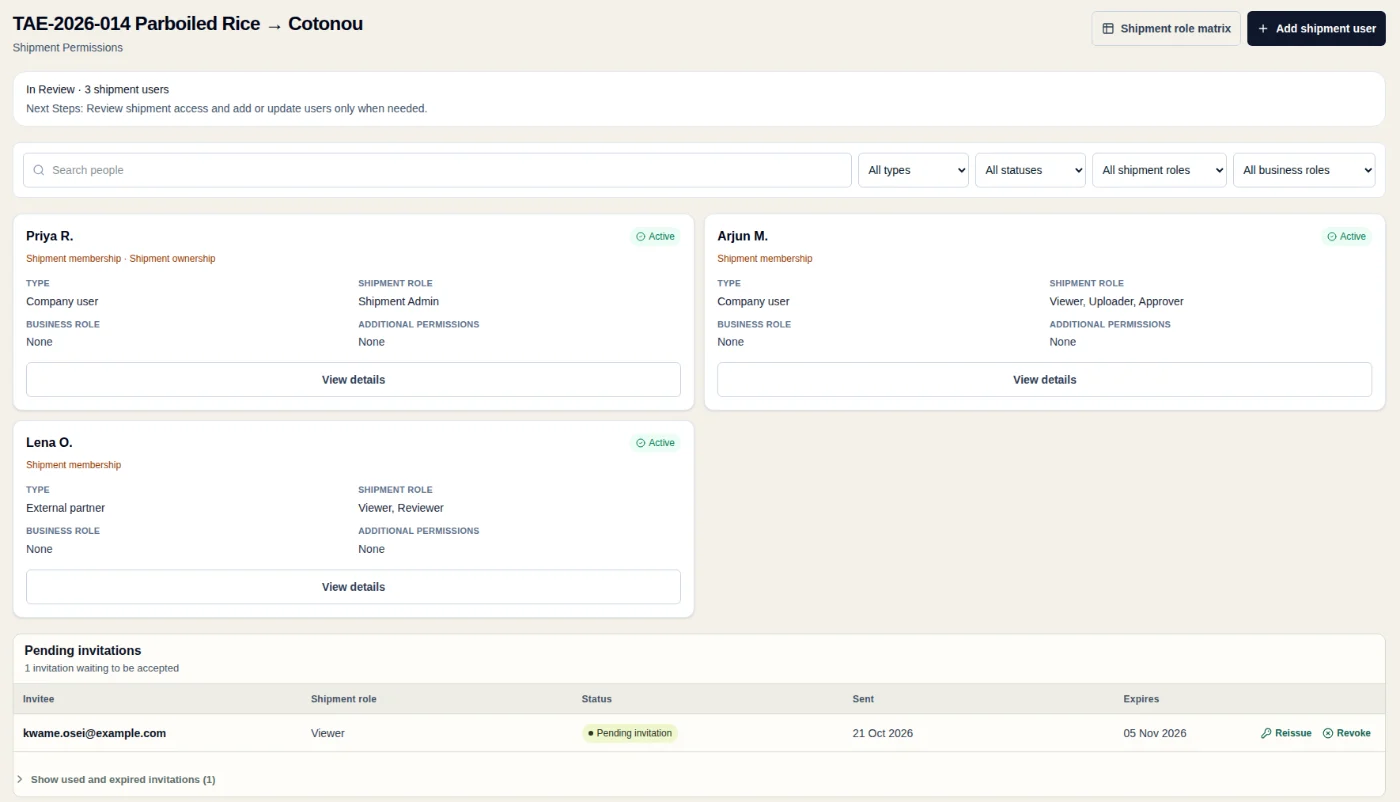
Collaboration
Bring in the people involved, inside and outside your company.
Tracking
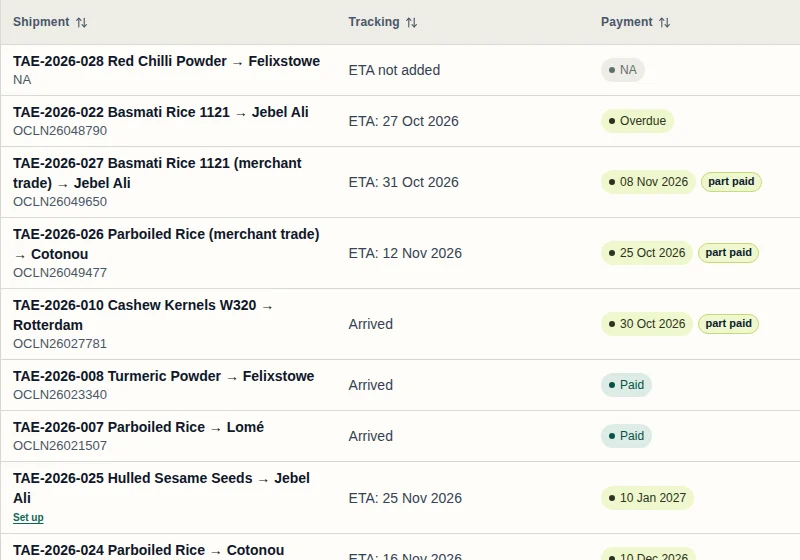
ETA and arrival status sit beside every shipment, so everyone can see where things stand. Your team keeps them up to date as the shipment moves.
About
We have worked as shippers, importers and exporters for the last 25 years. Shiplete is built from that experience: the documents, checks, payments and people a real shipment needs, in one workspace your team and partners share.
Made for exporters, importers and merchant traders. Contact us
Pricing
Choose a subscription plan, billed monthly or annually. Every plan includes every Shiplete feature; plans differ only in price and in the credits you receive.
900 credits a month
3,000 credits a month
11,000 credits a month
Every plan includes every feature. 20% bonus credits with annual billing.
* Taxes extra. Create your account, then contact us to subscribe. A paid plan starts after payment confirmation.
Credits are used as you work. Uploading, reviewing, approving, sharing and downloading documents, and inviting colleagues and partners, use no credits.
Archived Shipments do not use these credits.
Uploading itself is free. Credits are used per page once the upload is complete.
Commercial documents include a generous number of new versions. If a document reaches the fair-usage limit, our team reviews it.
Uploading, reviewing, approving, sharing and downloading documents; inviting colleagues and partners.
Each new credit grant is valid for 12 calendar months from its grant date, ending on the same day of the month in the following year. Unused subscription credits remain usable within that validity period while your Company keeps an active subscription. When your Company's last subscription ends, all remaining credits expire, including subscription, carried, top-up, trial and promotional credits. Credits granted before the credit policy change on 14 October 2026 keep their original expiry dates.
Questions
Every plan includes the full product: the Shipment Hub, Shipment Overview, documents with earlier versions, AI-powered review, document preparation, the Payments Dashboard, sharing and invitations. Create your account, set up your Company and add your first shipment.
Yes. Subscriptions renew at the end of each billing period until cancelled, and cancellation takes effect at the end of the paid period. A failed renewal has a 7-day grace period: existing unexpired credits remain usable, but no new credits are granted for the unpaid renewal. Top-up purchases are not available during the 7-day grace period. If payment is not completed within that period, the subscription ends.
A full or partial refund of a subscription payment revokes all remaining credits granted by that payment. A full refund also cancels that subscription. If that leaves your Company with no active subscription, all remaining credits expire, including top-up credits. Credits already used are not charged back. See the Refund & Cancellation Policy for eligibility and timelines.
Exporters, importers and merchant traders who want to manage the whole shipment lifecycle in one place — documents, checks, approvals, commercial documents and payments.
Yes — Shiplete is in Beta. Create an account to set up your Company, or sign in if your team has already invited you.
Shiplete compares key fields across the relevant documents and flags differences for your review. Purchase and sales documents are kept apart. Checks may miss differences, so review the source documents and decide whether the information is correct.
Its results are suggestions until a person in your Company accepts them. Each value links back to the page and document version it came from.
Your team keeps each shipment's ETA and arrival status up to date, and the Shipment Hub and Shipment Overview show where every shipment stands.
You keep all rights to your documents and data. Customer data is processed by our infrastructure and service providers, including AI providers. We protect it with access controls and encryption in transit.
Start with your shipments, see what matters and explore what Shiplete can do for your team.