Complete Beginner's Guide
Everything you need to get started, in one place: your account, your Company, your first shipment and where to go next.
- ForNew Shiplete users
- Task timeAbout 7 min
- Video1:24
- Last checked2026-10-22
Overview
A short tour of getting started: your account, your Company, your plan, your first shipment, and the screens you will use every day. Each part names its own step-by-step tutorial, which you will find in Help & Tutorials.
What you'll learn
- How the first steps fit together
- Whether to create a Company or join one
- What you need before creating shipments
- Where to go after creating a shipment
Before you begin
Nothing to prepare.
Step-by-step guide
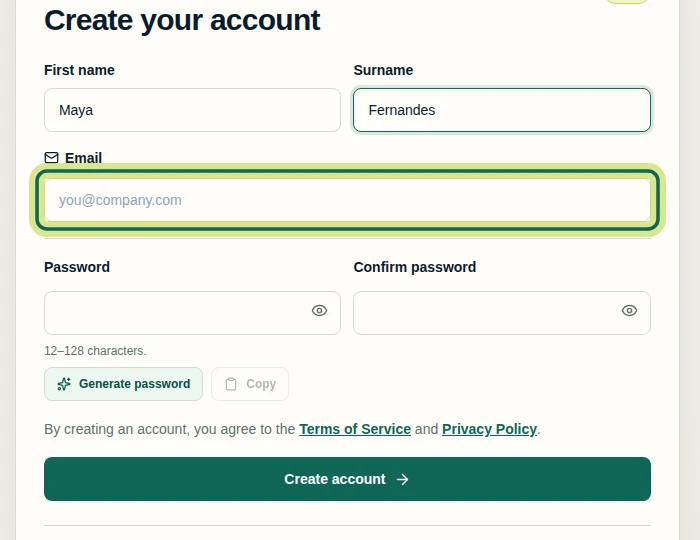
Create your account
Sign up with your name, email and a password, then enter the code we email you to verify your address. Tutorial: Sign Up and Verify Your Email.
Step 1 Create or join a Company
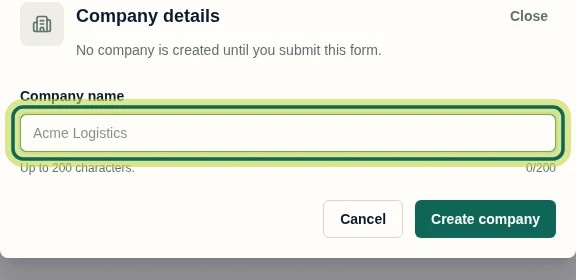
If your business is new to Shiplete, create a Company and you become its Owner (tutorial: Create a Company). If a colleague already uses Shiplete, ask them to invite you and join their Company instead (tutorial: Join a Company by Invitation).
Step 2 Check your plan
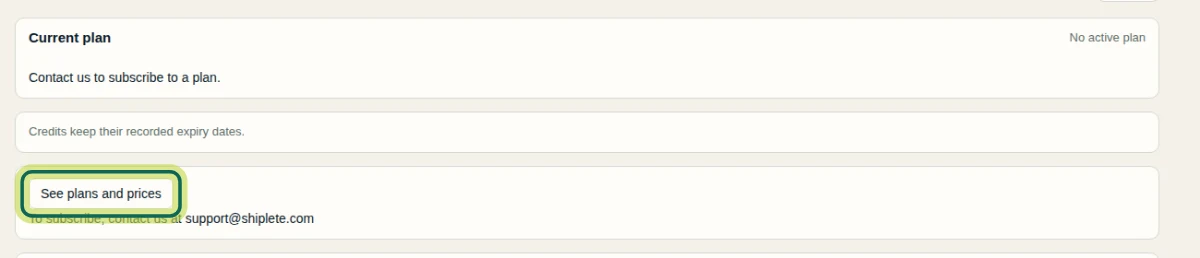
Creating shipments needs credits and an active subscription; a subscription gives your Company credits every month. To see the options, open Company, then Plan & payments, then See plans and prices.
Step 3 Create your first shipment
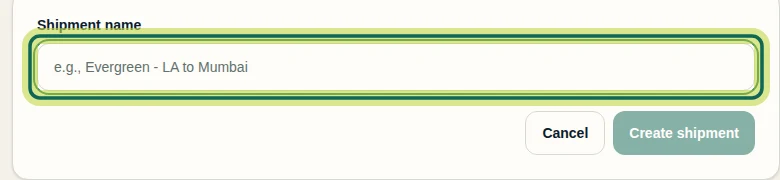
Select New shipment, give it a name, add the essentials and choose who works on it. Tutorial: Create Your First Shipment.
Step 4 Find your way around
Your shipments live in the Shipment Hub, where you can search, filter and open any shipment. Each shipment opens on its Overview: documents, values ready to approve, fields that need attention and who is working on it. Tutorials: Understand the Shipment Hub, Understand Shipment Overview.
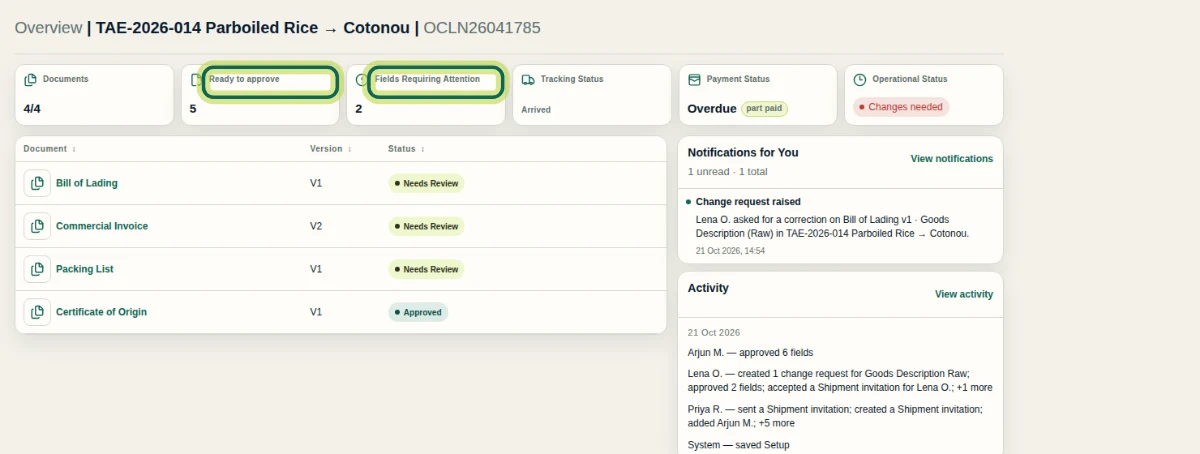
Step 5 Upload and review documents
Upload your shipping documents and Shiplete reads the values for you. Then review what it read: approve what is right and sort out what does not match. Tutorials: Upload Shipping Documents, Review Extracted Document Fields.
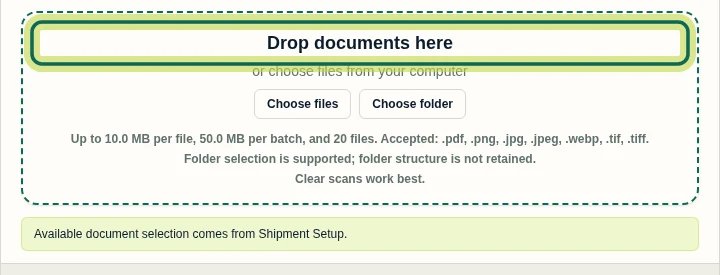
Step 6
Expected result
You know which focused tutorial to open for each step of getting started.
Next tutorial
Was this helpful?
If something did not work as described, tell us and we will help.